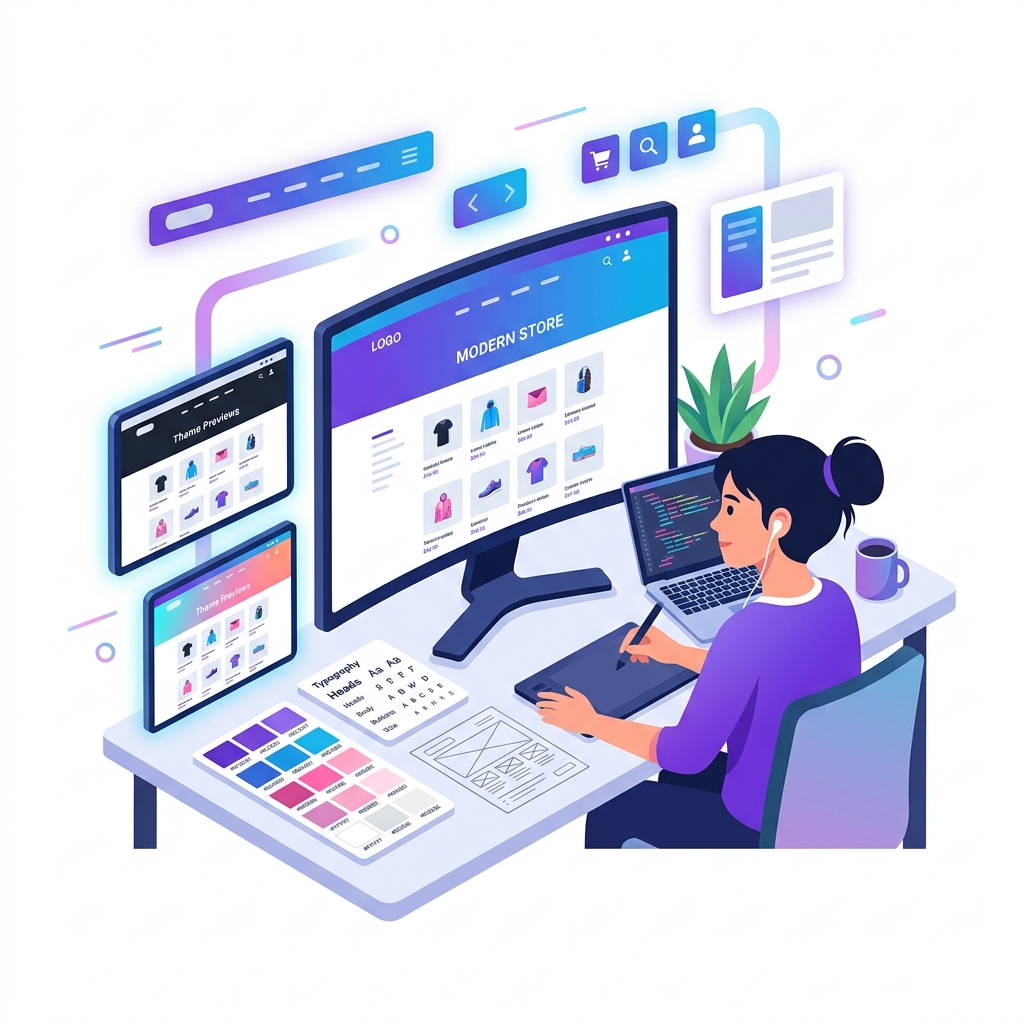
First impressions are crucial in e-commerce. When a visitor lands on your store, they take less than 3 seconds to judge if your website looks professional and safe. The theme you select dictates your brand perception, load speed, and checkout conversion rates.
1. Ensure Your Theme is Optimized for Speed
A beautiful theme is useless if it takes 8 seconds to load. Avoid bloated themes with excessive animations. All Vendora themes are optimized for performance, clean code output, and fast rendering on slow mobile connections.
2. Prioritize Touch-Friendly Mobile Design
Over 75% of your traffic will shop on mobile. Your theme must have large call-to-action buttons, easy swipeable image galleries, and a clean checkout form that is simple to complete with one hand.
3. Match Your Design to Your Catalog Size
If you sell a single product, choose a single-product landing page theme that focuses entirely on conversion. If you run a clothing brand with hundreds of items, select a theme with advanced filters, clean grids, and robust category search features.